Pull the assigned readings out of a syllabus and check them against your holdings
Upload a syllabus, or several. WyderNet lists the assigned readings, including chapters, articles, videos and podcasts, and checks each one against your holdings. A video or podcast the library doesn't hold stays on the list, with the link from the syllabus.
check
One product. This is one step in the same workflow.
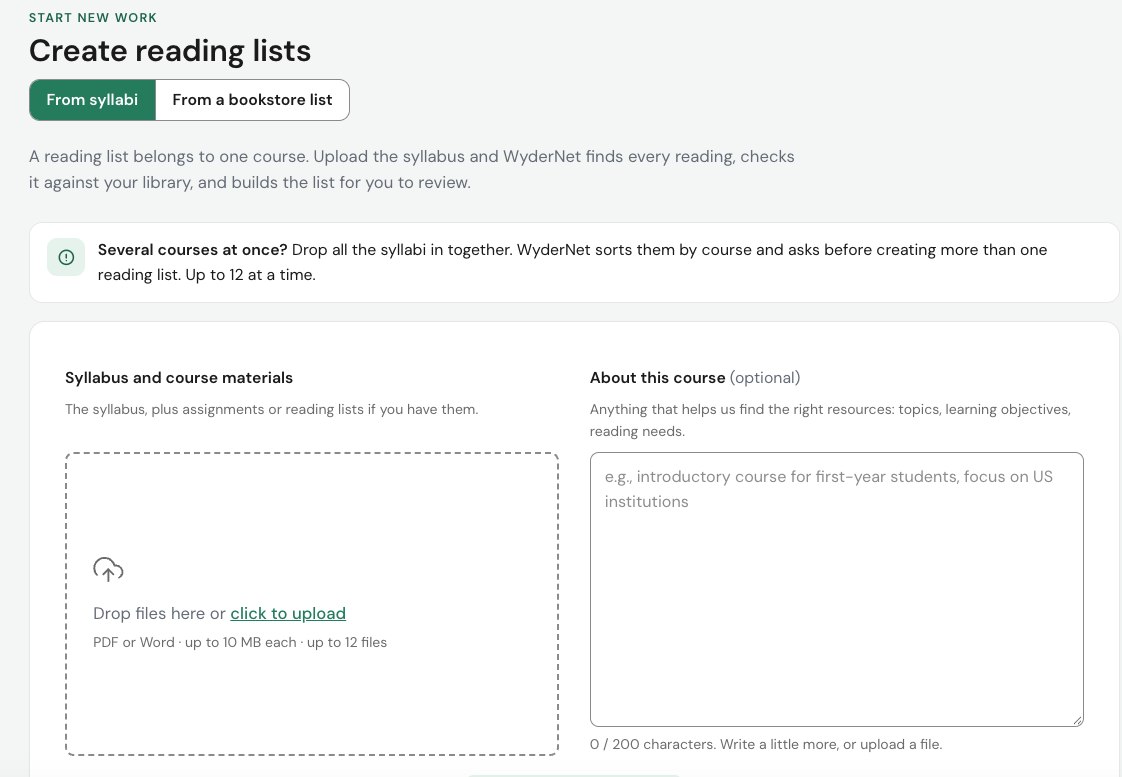
Illustrative: adding syllabi
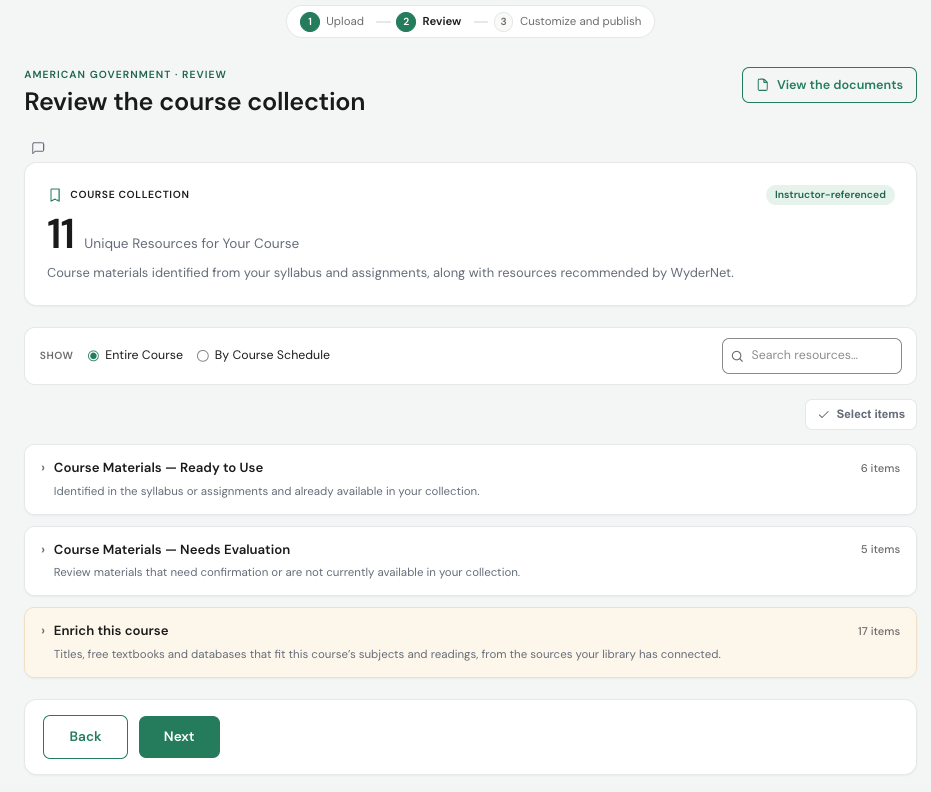
Illustrative: a syllabus and its readings. Not a real course.
What it does
- Reads syllabi in PDF or Word. Faculty can also upload their own.
- Lists each assigned reading with its title, author, type and any link, including links behind the text.
- Checks books, chapters and articles against your holdings.
- Keeps videos, podcasts and web pages on the list when the library doesn't hold them, with the link from the syllabus.
- Checks films and streaming titles against the library first. If the library doesn't have them, it notes the subscription students would need.
What you review
- Matches to confirm, and readings to source.
- Nothing is shared with faculty or students until you publish.
How AI is used
AI is used for one step: extracting the readings from the syllabus. Course materials are not used to train AI models. WyderNet runs on Anthropic's Claude through Amazon Bedrock.
Good to know
- Files: PDF and Word.
- Several at once: yes, for a department or a term.
- Faculty involvement: welcome, and always optional.
We can start with a few of your syllabi.